

Replacement Cable Color Guide
Every Dialtune replacement cable is color-coded by drum diameter. Match the colored ends of your cable to the chart below to find the right length for your drum.
Dialtune's cable system uses high-tech synthetic fiber cable rated at over 500-lbs. Each length comes pre-stretched and carries zero memory, meaning it can be coiled and uncoiled easily without retaining any shape or structure. The cable is designed for smart failure, where it frays rather than snaps to prevent any damage to you or your drum. All Replacement Cable packs come with a 2.5mm Hex Wrench to loosen the set screws on the dials, required to access the gears and change the cables. Play on!
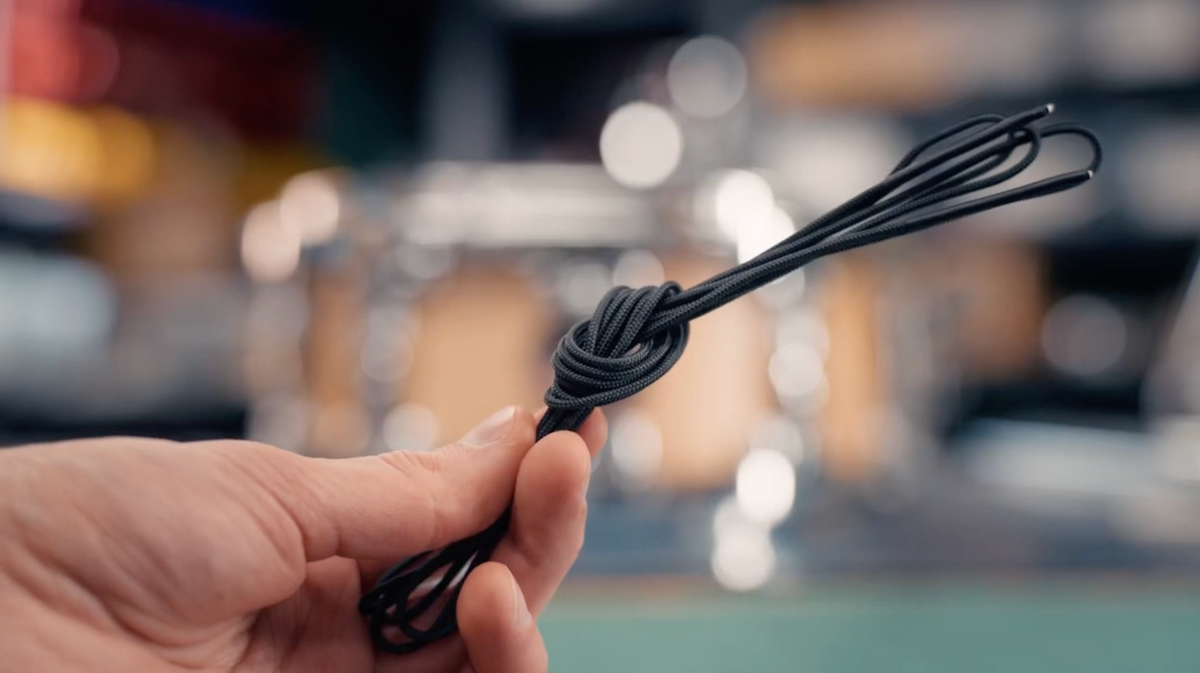
How to change a cable
Start by removing the head. Use a 2.5mm hex/allen wrench (Note* Maker Series uses 2mm) to loosen the set screw and remove both dials. Gently pull the cable out from the pulleys around the system.
With the old cable removed, insert the new cable into the gear housing, starting on the right side of the dial (recommend watching the video if you get stuck).
Loop the cable around the pulleys until you get to the last lug. Skip the last two pulleys and go straight to the left side of the dial housing.
Insert the cable like you did in the beginning and then loop the last two pulleys. Replace the head, replace the hoop, dial to tension.


Replacing a cable on the kit
Need to replace a cable on your toms? Watch this video.
Similar to replacing a cable on a snare, make sure you have a 2.5mm Allen (hex) key handy. We also suggest having a set of needle nose pliers around, which makes it easier to remove the loop of cable in the gear.
How can we help?
Select your product below to jump straight to what you need.

Set up my snare
Placement, tuning, and troubleshooting

Set up my kit
Kick, toms, and tuning the kit
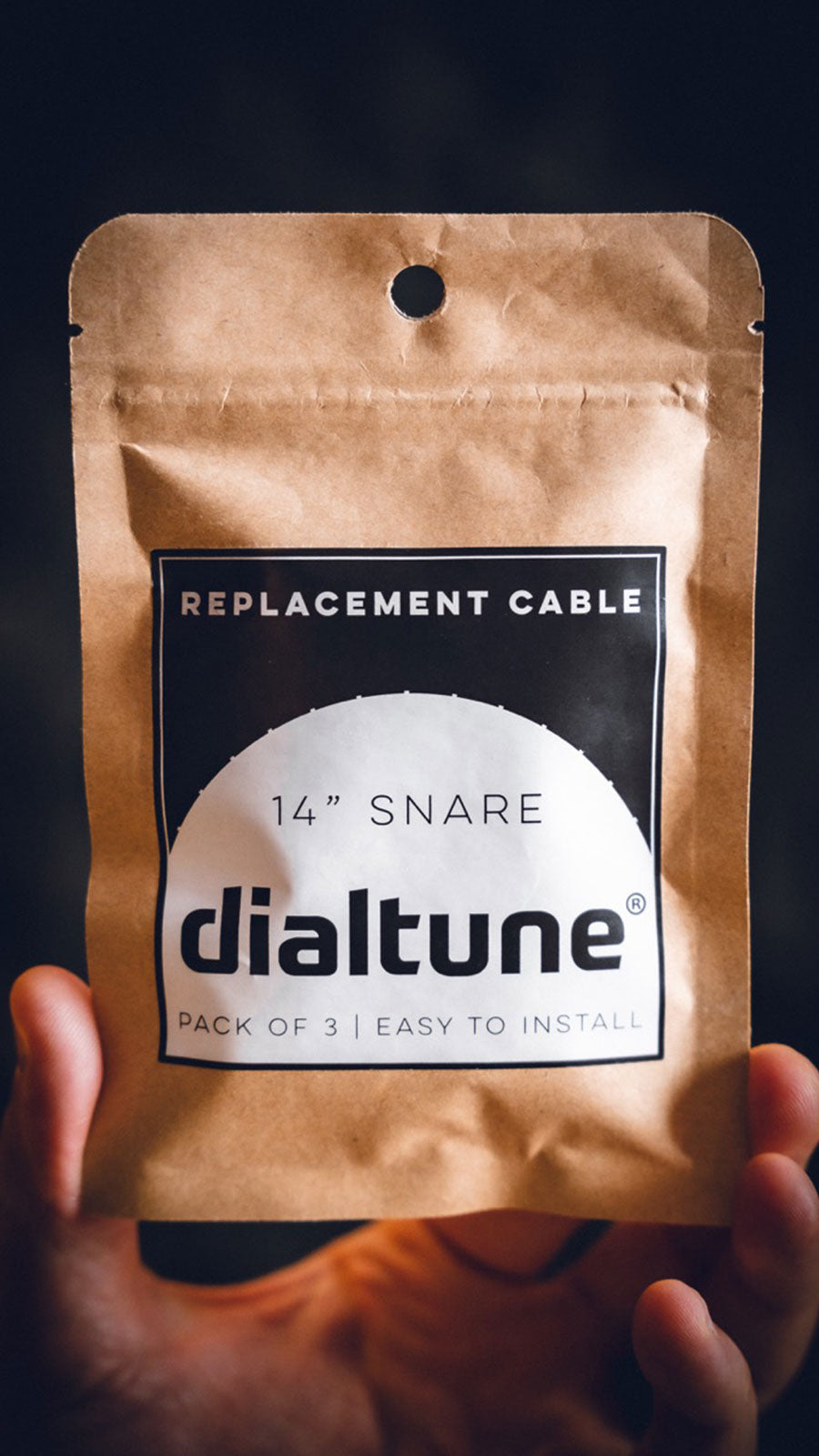
Change a cable
Step-by-step + which cable you need